


What happens when customer login becomes a frustrating part of your product?
Users leave, support tickets increase, and security gaps can grow quietly in the background.
A strong CIAM platform makes identity management easier by combining secure authentication, seamless login, SSO, fraud protection, and scalable customer access.
In this guide, we compare the top CIAM solutions, their key features, pros and cons, and what to consider before choosing the right platform.
Best CIAM Solutions: Comparison
How We Evaluated These CIAM Vendors
Many CIAM tools promise smooth login and strong security. Real differences appear when real users start signing up every day. That is when login flows security checks and system stability actually get tested. That is why the evaluation focused on practical things teams deal with in real products.
- First we looked at the login experience. Platforms were reviewed for smooth signup passwordless login social sign in and low friction authentication.
- We checked security features. Risk based authentication fraud detection and adaptive security were important because they help stop suspicious logins without disturbing normal users.
- SSO and federation support were also considered. Platforms that support SAML, OpenID Connect (OIDC), and OAuth 2.0 were treated as stronger options.
- We also reviewed deployment effort, developer flexibility, scalability and daily admin management. The goal was to find CIAM tools that are easy to launch, flexible for developers and stable as the user base grows.
10+ Top Customer Identity and Access Management (CIAM) Solutions
1. Infisign UniFed
Infisign UniFed is positioned as a modern CIAM platform that tries to mix enterprise level security with startup speed. The focus is clear. Fast deployment, simple customer login and strong protection against identity attacks. The platform talks a lot about frictionless authentication because customer experience directly affects conversion.
Key Features
- Passwordless and Modern Authentication. UniFed supports modern login methods like passkeys, OTP based login, magic links and social sign in so users do not depend only on passwords. These methods also lower account takeover risk because attackers cannot easily reuse stolen passwords when stronger authentication options are used.
- Universal SSO and Identity Federation. Customers can log in using enterprise identity providers or social accounts like Google, Microsoft, and GitHub. Users do not need to create separate accounts for every app. Federation also helps companies keep one identity across multiple applications.
- Threat Protection and Fraud Prevention. UniFed protects customer logins by checking signals like user location, device details, IP address, and repeated login attempts before access is allowed. The system can slow or block suspicious requests using login thresholds and IP controls so brute force attacks stop early.
- Fast Deployment. One of the strongest positioning points is quick go live capability. Teams can integrate identity faster instead of spending months building login systems. This is useful for product teams that want to ship features quickly.
- Login Thresholds and IP Throttling. UniFed sets limits on repeated login attempts and slows suspicious traffic automatically. This helps stop brute force attacks and protects the authentication layer during high traffic or automated abuse.
- Easy and Unlimited Directory Sync. UniFed keeps user identities synchronized across directories and connected systems. Updates from HR tools or identity sources appear automatically so access stays accurate without manual work.
Pros
- Passwordless login makes customer access very simple. Users do not struggle with passwords so signup feels faster. For apps that care about user experience this is a strong advantage.
- Universal SSO and identity federation help users move across apps easily. Customers do not need to create many accounts again and again.
- Deployment is fast so teams can launch CIAM without long setup cycles. Directory sync also keeps user data aligned across systems. This means less manual work for admins. Small teams can manage identity without heavy overhead.
Cons
- Passwordless authentication requires the use of its encrypted password vault feature.
2. AWS Cognito
AWS Cognito is a developer-friendly CIAM service built inside the AWS ecosystem. It works well for apps that already run on AWS and need scalable customer identity without managing infrastructure.
Key Features
- User Pools for Customer Authentication. User pools act as a managed customer directory. They handle signup login and token generation without custom backend development.
- Identity Federation and Social Login. Cognito supports federation with external identity providers using standards like SAML and OIDC. Customers can sign in using existing accounts which reduces onboarding friction.
- Adaptive Authentication and MFA. Cognito evaluates risk signals like user location, device information, IP address, login history, and unusual sign in patterns before allowing access.
- Scalable Cloud Architecture. Since it is managed by AWS the service scales automatically with user growth. Teams do not manage servers or identity databases manually. This reduces operational cost and complexity.
- Granular Access and Guest Identity Support. Identity pools allow both authenticated and guest users to access resources safely. Permissions are controlled through roles so access remains limited and controlled.
Pros
- Cognito works very well if your app already runs on AWS. Integration feels natural because identity connects directly with cloud services.
- User pools and federation features help manage large customer bases. Social login and external identity providers are supported.
- Security features like adaptive authentication help detect risky logins. Suspicious behavior can trigger extra checks automatically.
Cons
- Setup can feel technical for teams new to AWS. Many settings exist and beginners may need time to understand them.
- Customizing user experience sometimes needs extra development work. Out of the box flows are basic for many products.
- Service limits and pricing need monitoring as usage grows. Large scale apps must watch quotas carefully. If not planned well it can create surprises later.
3. Descope
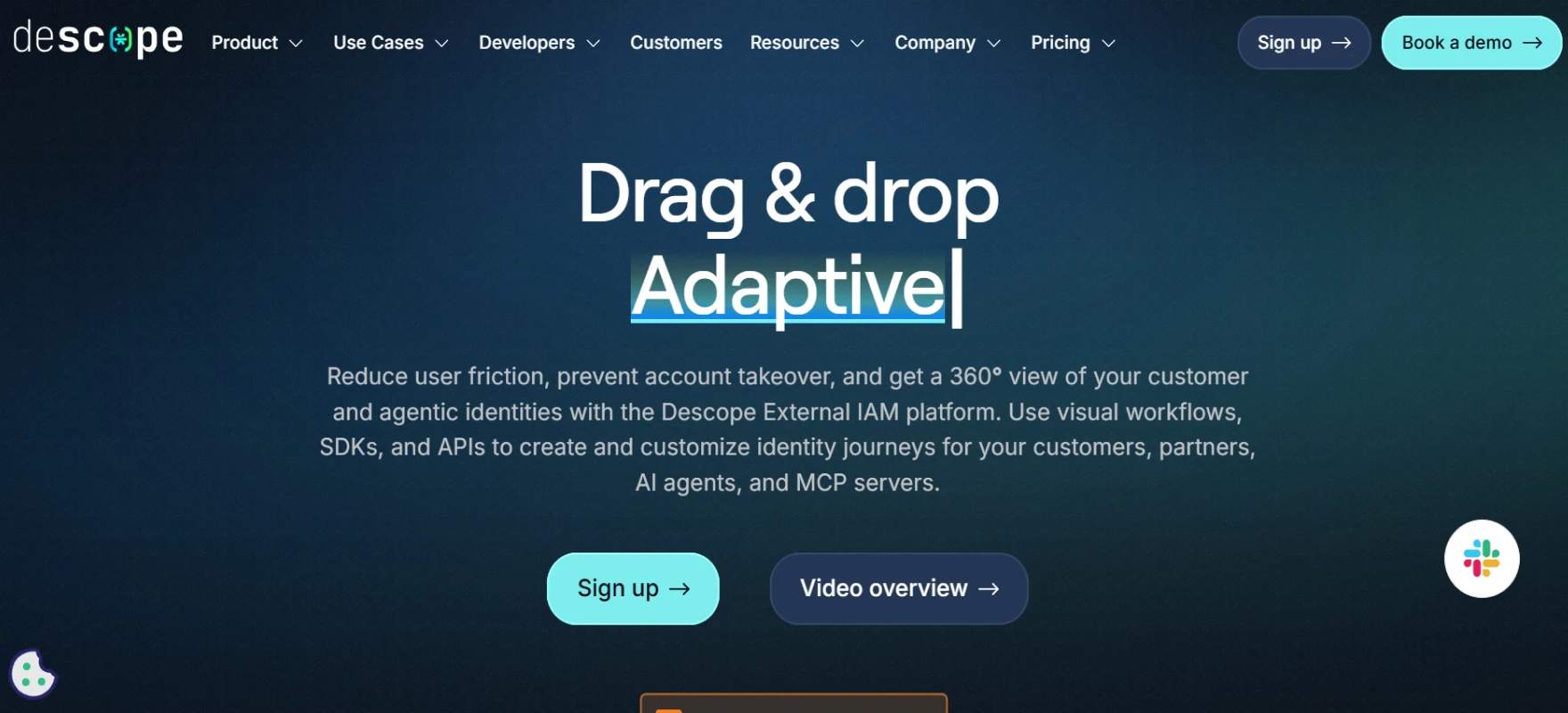
CIAM vendors like Descope focus on flexible authentication journeys instead of forcing one fixed login flow. The platform allows teams to design different experiences based on user type and risk level which helps improve both security and user experience.
Key Features
- Visual Authentication Flows. Teams can design login and onboarding journeys using drag and drop workflows. This means product teams can change identity flows without heavy backend coding. It reduces implementation complexity and speeds up experimentation.
- Passwordless and Biometric Authentication. Descope supports passkeys, biometrics and modern passwordless methods. Users log in faster while security improves because credentials are harder to steal.
- Federated Identity Support. The platform can work as a federated identity provider and connect with existing systems. This helps companies adopt modern auth without replacing everything.
- Risk Based Security Controls. Descope adds security checks based on context and behavior signals. Instead of creating friction for every login it reacts only when needed. This protects accounts while keeping customer journeys clean.
- Fast Developer Implementation. The platform is built to reduce engineering effort through SDKs and reusable flows. Teams can ship secure login faster compared to building auth internally.
Pros
- Visual workflows make authentication easy to build. Product teams can design login flows without writing heavy code.
- Passwordless authentication improves customer experience a lot. Users sign in quickly and do not forget passwords.
- Developer focused design keeps implementation simple. SDKs and templates reduce engineering effort.
Cons
- The platform is newer than some big CIAM players. Because of that, the ecosystem size is smaller. Some teams may miss large community resources.
- Advanced governance features are still growing compared to heavy enterprise suites. Basic needs are covered well but complex policies may need extra setup.
- Some enterprise integrations may require additional configuration. Not every scenario is fully plug and play.
4. Frontegg
Frontegg is mainly popular among SaaS companies that need customer identity plus enterprise style user management. It focuses on making CIAM providers feel like a natural part of the product instead of an external add on.
Key Features
- Built for B2B SaaS CIAM. Frontegg focuses on customer identity inside SaaS products. It combines authentication authorization and user management in one platform. This reduces the need to build custom admin systems.
- Embedded Admin Portal. The platform provides an admin UI where customer admins can manage users roles and permissions. This removes heavy development work from product teams.
- SSO and Enterprise Federation. Frontegg supports SSO protocols like SAML and OAuth. Enterprise customers can log in with existing identity providers which speeds up adoption.
- Strong Role and Permission Management. RBAC features allow precise control over what users can do inside the app. This improves security and helps customers manage their own teams safely.
- Product Led Growth Friendly. Frontegg promotes easy integration so developers can add CIAM without huge architecture changes. Faster setup helps startups ship enterprise features early.
Pros
- Frontegg is built mainly for B2B SaaS products. Tenant management and admin portals come ready which saves development time.
- Enterprise SSO support helps SaaS companies sell to larger customers. Companies can use their own identity provider without friction.
- Role and permission management is simple and product friendly. Teams can control access inside the app without building complex systems.
Cons
- The platform is more B2B focused than consumer CIAM. Large public apps with millions of casual users may need extra work.
- Deep customization sometimes needs engineering effort. Ready features help but complex product logic still requires development.
- Ecosystem size is smaller compared to very large identity vendors. Some integrations may not be available out of the box. Teams may build custom connectors.
5. WorkOS
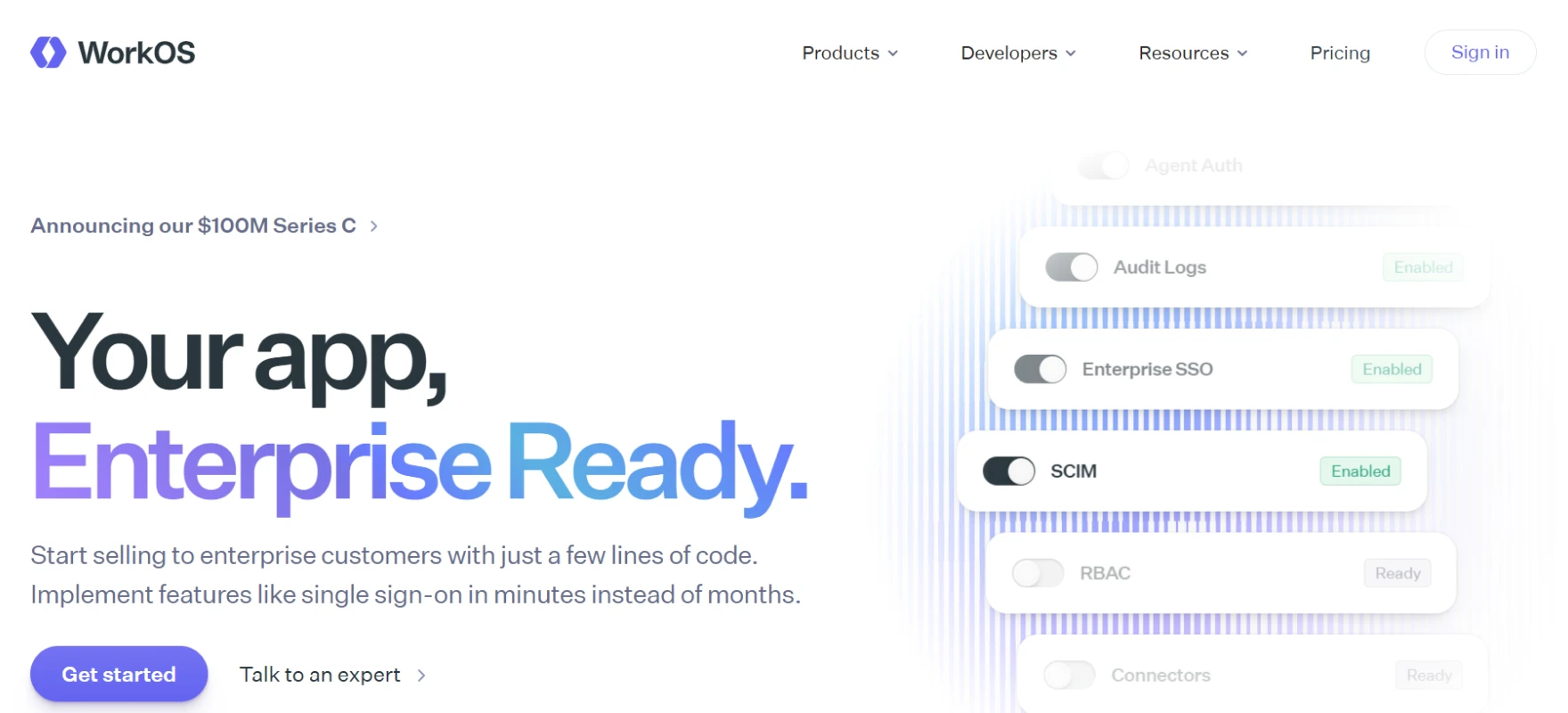
WorkOS is a developer focused CIAM toolkit that helps SaaS apps add enterprise authentication quickly. Instead of one large identity platform it provides modular building blocks and enterprise identity integrations such as SSO, Directory Sync, and SCIM provisioning.
Key Features
- Universal SSO Integration. WorkOS allows apps to support enterprise SSO through one integration. This removes the need to build separate integrations for each customer identity provider.
- Directory Sync and SCIM Provisioning. The platform automatically syncs users and groups from enterprise directories. This means accounts and roles stay updated without manual work.
- User Management APIs. WorkOS provides APIs that let developers build custom user flows while still using managed identity infrastructure. You keep flexibility while avoiding security pitfalls.
- Hosted Authentication UI. AuthKit offers a hosted login and signup experience that supports multiple authentication methods. Users can automatically route to SSO when their email matches an organization.
- Fast Enterprise Deployment. Admin portal features help customer IT teams configure SSO and directory sync themselves. This reduces support dependency and speeds up go live.
Pros
- Enterprise SSO integration is very simple compared to building it yourself. One integration supports many identity providers.
- Directory sync automatically keeps users and groups updated. Admins do not manually create accounts again and again.
- Developer APIs give flexibility to build custom identity flows. Teams can design onboarding exactly as product needs. Identity becomes part of product experience. Developers keep control without managing infrastructure.
Cons
- WorkOS is more enterprise focused than consumer CIAM platforms. Apps targeting public consumer markets may need extra layers.
- Hosted auth UI has limited customization compared to full CIAM suites. Basic branding works but deep UX changes may need custom work.
- Full customer lifecycle features are not always included out of the box. Teams may need additional tools for profile management.
6. Auth0
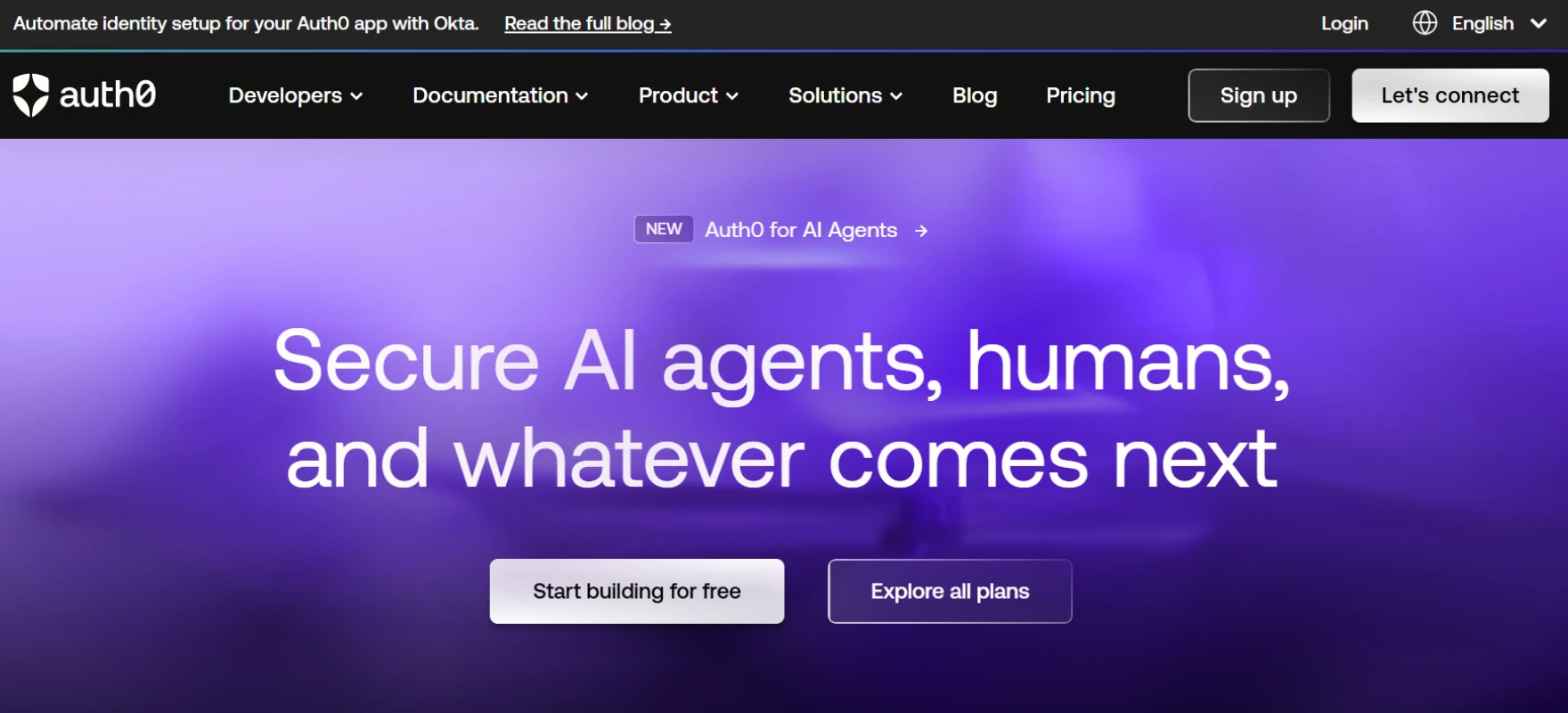
Auth0 is a very popular CIAM platform that helps apps add customer login without building everything from zero. It is known for developer friendly tools and flexible authentication options which is why many teams compare it with other CIAM tools.
Key Features
- Universal Login Experience. Auth0 gives a ready login page that works across apps and devices. You can customize branding without building full auth screens yourself.
- Passwordless and Social Login. Users can sign in using email magic links, OTP or social accounts. This reduces friction during signup and improves conversion.
- Identity Federation Support. Auth0 connects with enterprise identity providers using standard protocols. This helps B2B apps onboard company users quickly.
- Rules and Actions Automation. Developers can add custom logic during login flows. For example you can block risky users or assign roles automatically.
- Scalable CIAM Infrastructure. Auth0 is built to handle large customer bases without major rework. As traffic grows the identity system keeps running smoothly.
Pros
- Universal login gives a ready authentication experience. Teams do not build login screens from zero.
- Passwordless and social login improve onboarding speed. Customers sign in using familiar methods. Less friction means better signup completion.
- Developer tools and documentation are very mature. Many examples and integrations already exist. Teams find solutions quickly when building features.
Cons
- Pricing can grow as customer numbers increase. Small projects feel affordable but large scale usage needs planning.
- Some advanced features are available only in higher plans. Teams may need upgrades as requirements grow.
- Very complex setups can become harder to manage over time. Too many rules and flows may add complexity.
7. Microsoft Entra ID
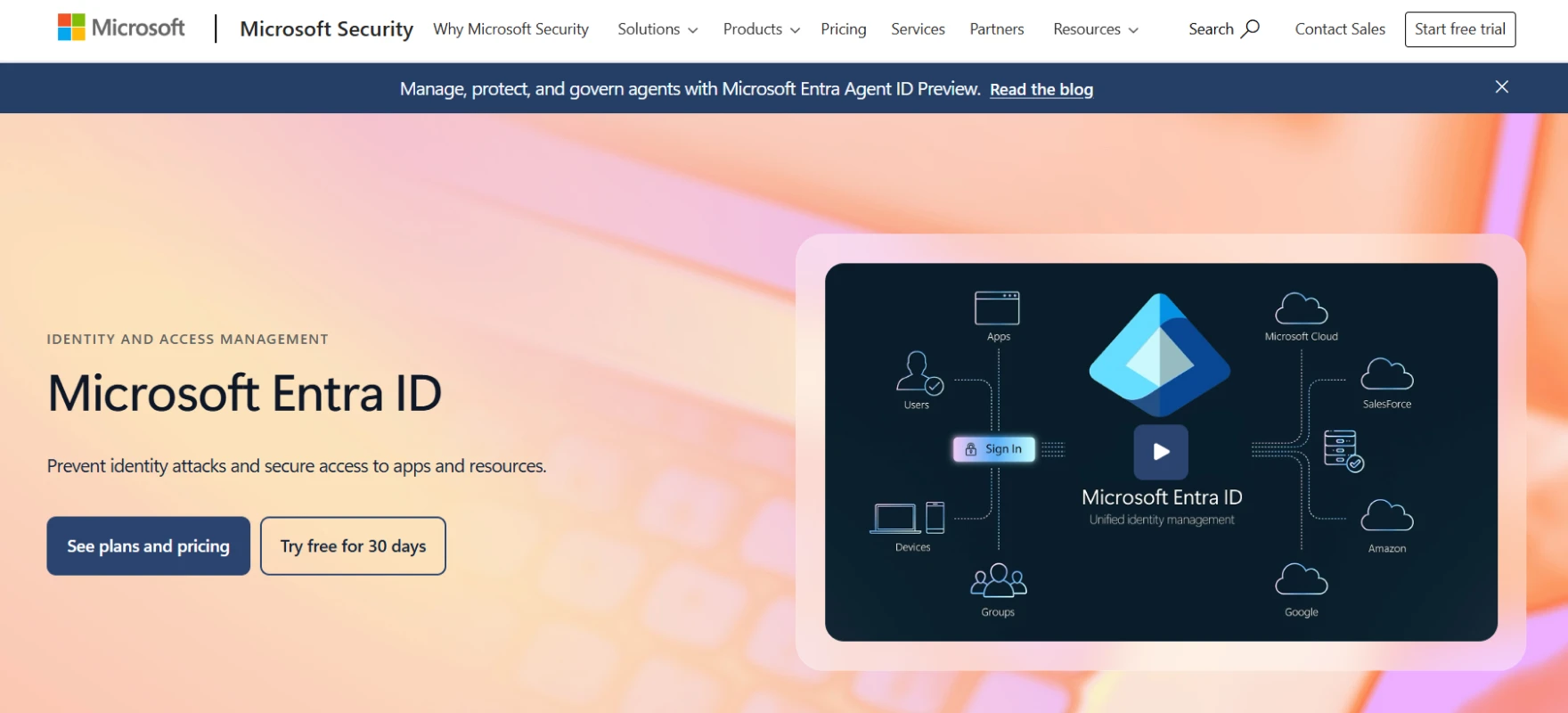
Microsoft Entra ID is Microsoft’s identity platform that supports workforce and customer identity scenarios. It is often chosen by enterprises because it combines strong security governance with large scale identity management and is frequently included among top CIAM solutions with SSO for enterprise environments.
Key Features
- External Customer Identity Management. Entra ID allows businesses to securely manage customer and partner accounts. External users can access applications without being treated as internal employees.
- Single Sign On Across Applications. Users authenticate once and move across connected apps without repeated logins. This improves user experience and reduces login fatigue.
- Conditional Access Policies. Access decisions can change based on device, location risk level or user behavior. Normal users get smooth login while risky sessions trigger extra verification.
- Deep Microsoft Integration. Entra ID integrates naturally with Microsoft cloud services and enterprise environments. Companies already using Microsoft tools can deploy CIAM faster because identity infrastructure already exists.
- Enterprise Governance and Compliance. The platform includes monitoring reporting and policy control features that help with compliance requirements.
Pros
- Strong enterprise security makes it trusted by large organizations. Conditional access and governance features are mature.
- Integration with the Microsoft ecosystem is very smooth. Companies already using Microsoft services save time during setup. Identity stays centralized in one place.
- Single sign on improves user experience across applications. Customers log in once and move between services easily.
Cons
- The platform feels more enterprise oriented than developer friendly. Small startups may find it heavy.
- Consumer experience customization is not as flexible as some modern CIAM tools. Branding and UX changes may require extra effort.
- Implementation can feel large for smaller products. Many features exist but not all are needed. Teams may feel overwhelmed initially.
8. FusionAuth
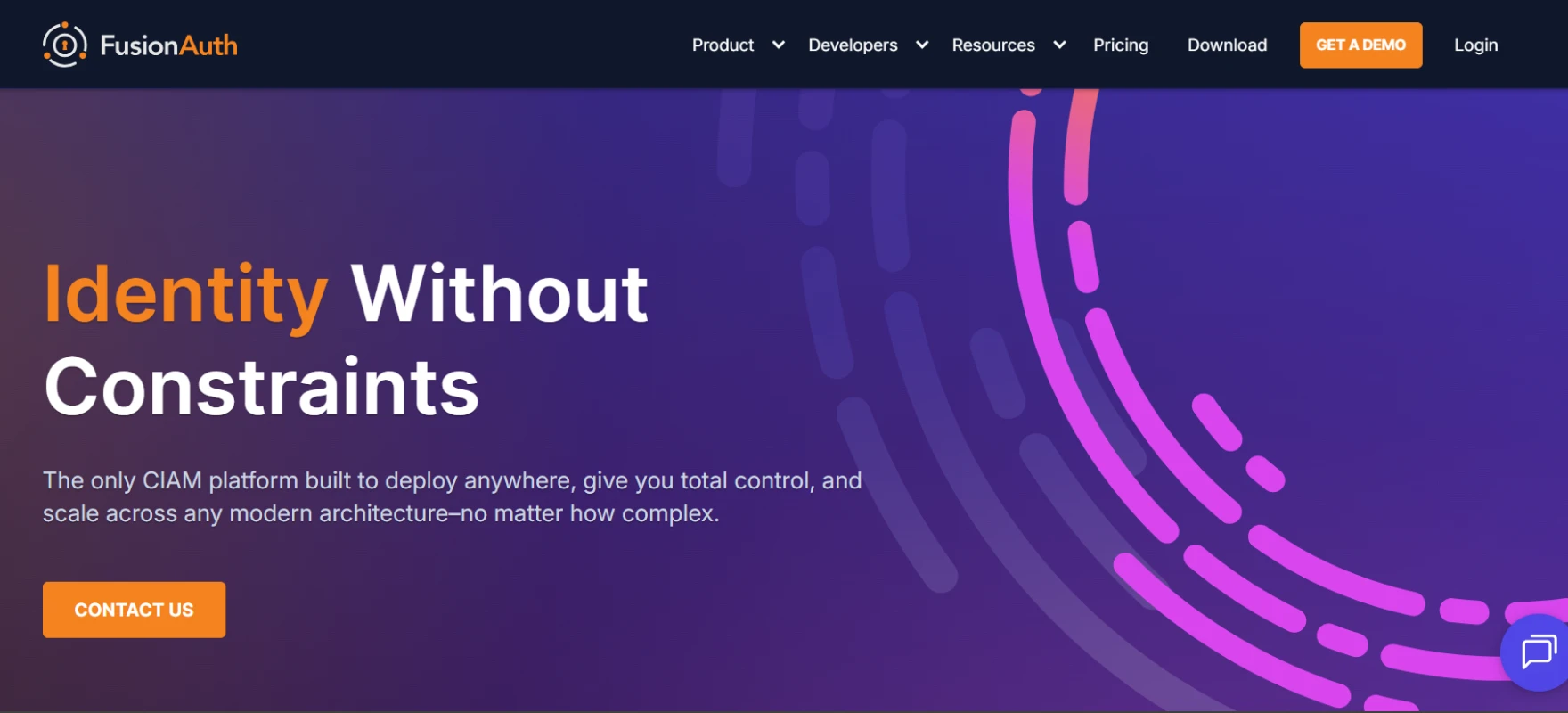
FusionAuth is a CIAM platform that gives developers strong control over authentication while allowing self hosted or cloud deployment. Many teams like it because it feels technical and transparent rather than fully black box. It is often chosen when companies want flexibility and cost control.
Key Features
- Developer First Authentication. FusionAuth exposes APIs and clear configuration options so developers can shape identity flows exactly as needed.
- Flexible Deployment Options. You can run FusionAuth in the cloud or host it yourself. This is useful for companies with data residency or compliance needs.
- Modern Authentication Support. It supports passwordless login, social providers, MFA and standard identity protocols. This keeps customer login modern without extra integrations.
- Multi Tenant Architecture. FusionAuth supports multi-tenant setups which is helpful for SaaS platforms serving multiple organizations. Each tenant can have separate identity settings and branding.
- Performance and Scalability. The platform is designed for high performance authentication workloads. Large login volumes can be handled without major redesign.
Pros
- Developer first design gives strong control over identity flows. Teams can customize authentication deeply.
- Deployment flexibility is a big advantage. You can host it yourself or run in the cloud. Companies with compliance needs like this option.
- Multi tenant support works well for SaaS products. Each customer can have separate identity settings.
Cons
- More DIY compared to fully managed CIAM platforms. Teams need to handle setup and maintenance themselves.
- Some advanced features require manual configuration. Out of the box experience is not always simple.
- The ecosystem and marketplace are smaller than big identity vendors. Some integrations may need custom work.
9. Keycloak
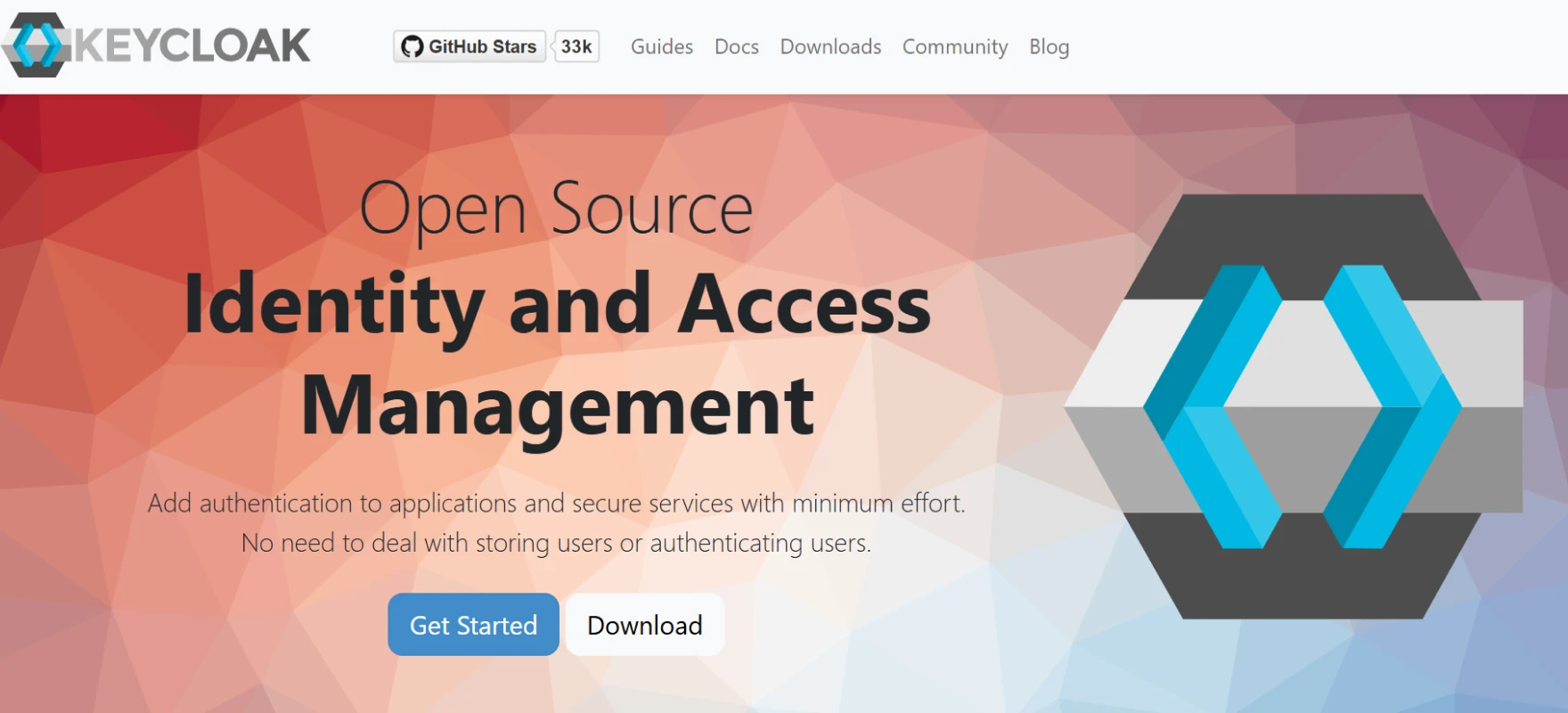
Keycloak is an open source identity platform widely used when teams want full control over CIAM solutions without licensing costs. It is powerful but usually requires more technical setup compared to managed services.
Key Features
- Open Source Control. Keycloak gives full access to configuration and customization. Teams can adapt authentication flows to specific product needs.
- Single Sign On and Federation. It supports SSO across applications and integrates with external identity providers. Users can move between services using one identity.
- Built In User Management. Keycloak includes user registration account management and role control features. This reduces the need to build separate admin systems.
- Strong Protocol Support. It supports OAuth2, OpenID Connect, and SAML which are core standards in CIAM.
- Custom Authentication Flows. Teams can design custom login steps and security checks. This is useful when products need advanced onboarding logic or industry specific requirements.
Pros
- Open source gives full control over the identity system. Teams can customize almost everything. There is no licensing lock in.
- Supports standard protocols like OAuth, OIDC and SAML. Integration with modern apps becomes easier. This keeps the architecture future ready.
- Authentication flows are highly customizable. Teams can design unique onboarding or login logic. This helps products with special requirements.
Cons
- Deployment and maintenance need strong technical skills. Teams manage updates, scaling and security themselves.
- No fully managed experience by default. Companies must host and monitor the system. This increases infrastructure work.
- Scaling and upgrades require planning. Large deployments need experienced engineers.
10. Okta Customer Identity Cloud
Okta Customer Identity Cloud is built specifically for customer facing authentication at scale. It focuses on smooth user experience combined with enterprise grade security. Many large digital products use it when identity becomes a core part of customer experience.
Key Features
- Customer Focused Authentication. The platform is designed for external users not internal employees. Signup login and account recovery flows are optimized for customer journeys.
- Advanced Security Features. It supports adaptive MFA risk detection and anomaly monitoring. Security checks happen in the background so normal users see minimal friction.
- Scalable Global Infrastructure. Okta is built to handle millions of identities and high login traffic. Global availability helps apps serve users across regions.
- Developer Friendly APIs. Developers can integrate identity into applications using flexible APIs and SDKs. This allows customization without rebuilding core authentication.
- Lifecycle and Profile Management. Customer profiles and permissions can be managed centrally. This helps products maintain consistent identity data across services.
Pros
- Built specifically for customer identity so user experience is strong. Signup and login flows feel smooth.
- Adaptive security protects accounts without adding too much friction. Risky logins get extra checks while normal users stay fast.
- Platform maturity is high with strong reliability. Enterprises trust it for large user bases. Documentation and integrations are mature.
Cons
- Pricing can be higher compared to some alternatives. Smaller companies may feel cost pressure as users grow.
- Advanced customization can increase complexity. Too many options sometimes make setup harder.
- Some small teams may find the platform heavy. Many enterprise features exist that may not be needed early. The learning curve can feel bigger than lightweight tools.
11. Ping Identity
Ping Identity is a strong enterprise grade CIAM solution often used when security and large scale federation are priorities. It is known for supporting complex identity environments while still enabling smooth customer access. Many enterprises use it when they need advanced control.
Key Features
- Enterprise Grade Federation. Ping supports deep federation capabilities for enterprise customers. Organizations can connect existing identity systems without heavy changes.
- Adaptive Authentication. The system evaluates risk signals and adjusts authentication requirements dynamically. Safe logins remain simple while risky sessions trigger stronger checks.
- API Based Identity Control. Developers can manage authentication and authorization through APIs. This helps integrate CIAM into modern application architectures. Identity becomes programmable rather than rigid.
- Scalable Customer Identity Management. Ping is built for large customer ecosystems with high traffic. It supports complex environments where many applications share identity
- Strong Governance and Compliance. Access policies auditing and monitoring features help organizations meet compliance requirements. This is important for industries handling sensitive customer data.
Pros
- Very strong enterprise federation support. Large organizations can connect existing identity systems easily.
- Adaptive authentication improves security without hurting user experience. Risk based checks add protection only when needed.
- API based identity control gives flexibility to developers. Authentication can fit product logic instead of forcing fixed flows.
Cons
- The platform is more enterprise focused than startup friendly. Small teams may find it heavy for simple use cases. Setup usually needs planning and expertise.
- Implementation can take longer compared to lightweight CIAM tools. Many enterprise features require configuration.
- The learning curve is higher for new teams. Documentation exists but architecture understanding is important. Identity concepts need clear planning.
How to Choose the Right CIAM Solution?
Choosing a CIAM platform should feel simple when you focus on real product needs instead of long feature lists. The right solution helps customers log in easily, keeps accounts safe and allows your team to scale without heavy identity problems later.
Below are the main things you should check before making a decision.
- User Experience. Customer login should feel fast and clean. Good CIAM tools support passwordless login social sign in and smooth registration flow.
- Security Strength. Security must protect accounts without creating extra friction for normal users. Look for adaptive authentication multi factor login and risk based checks. These features help stop account takeover and fraud attempts.
- SSO and Federation. Many companies want to log in using their existing identity provider. Support for SAML, OAuth and OIDC makes enterprise onboarding much easier. Federation reduces integration effort and saves time for both sides.
- Deployment Speed. Some CIAM tools are powerful but heavy to implement. Others allow fast rollout with less engineering effort. Choosing a platform that your team can launch quickly helps reduce cost and delays.
- Developer Flexibility. Every product has different onboarding logic and user journeys. APIs, SDKs and customization options allow identity to match product needs. Flexible tools prevent future technical limitations.
- Fraud Protection. Login security should go beyond basic authentication. Good CIAM solutions include protections such as bot detection, credential stuffing prevention, adaptive authentication, and session monitoring.
- Scalability. Customer identity grows quickly once a product scales. The platform should handle high login traffic and large user bases without performance issues. Moving identity systems later is difficult so long term scale matters early.
- Cost and Maintenance. Price should be balanced with effort and long term value. A cheap tool that needs heavy engineering work can become expensive later.
Finding the Right Customer Identity and Access Management (CIAM) Solution
Customer identity looks simple in the early stages of a product, but complexity grows quickly as the user base expands and different login requirements start appearing.
Teams begin dealing with issues such as password reset requests, automated login abuse, enterprise customers asking for SSO, and identity data spread across multiple systems.
When identity is managed through separate tools these problems slowly increase and daily operations become harder for both product and security teams.
A unified identity model improves both user experience and operational control. Users get a consistent login experience across applications while security policies remain active in the background and product teams spend less time managing identity infrastructure.
- One unified login experience across applications with centralized identity security
- Passwordless access using passkeys, OTP, and magic links for faster login
- Adaptive security evaluating device, location, IP activity, and login patterns
- Enterprise SSO federation support for existing company identity providers
- Automated directory sync keeps user identities consistent across systems
Want customer login that feels simple but stays seriously secure? Stop fighting identity problems and see it live. Book the demo and watch how modern CIAM makes onboarding faster and management easier.
FAQs
What is a CIAM vendor?
A CIAM vendor is a company that provides tools to manage customer identities and login access for applications and digital services. It helps organizations control how customers sign up, log in, and securely access apps or websites. The goal is to deliver smooth customer login experiences, strong security, and scalable identity management.
What features should a modern CIAM solution include?
A modern IAM solution should give SSO, MFA, and passwordless login. It should support identity federation and easy integrations. Good security, smooth user experience and simple management are also very important


